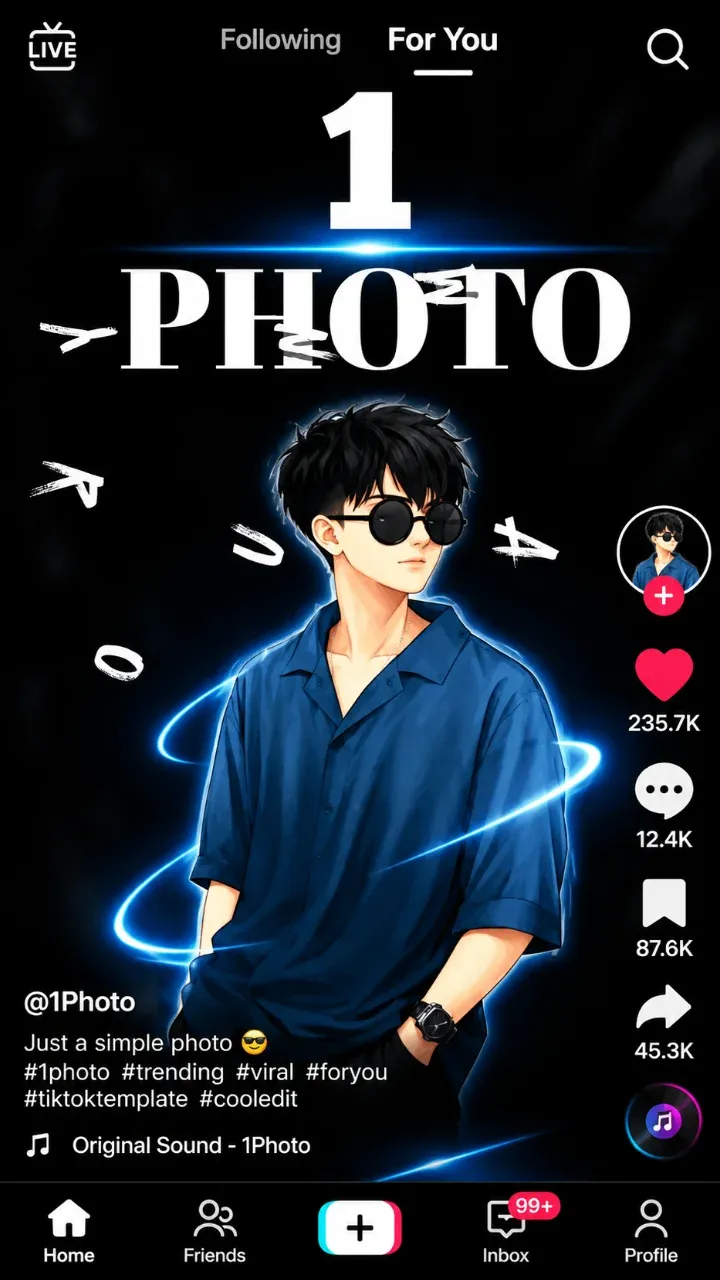
Cap Cut New Trend Video – Easy Photo Template
Want to turn a simple selfie into a moving, cinematic clip? This cap cut new trend video template does it with just one photo. You choose a picture, and the template adds smooth motion, light effects and music for you. In a few seconds your still photo looks like a real video.
Tap the ▶ button to watch the original sample on TikTok. If you like the look, tap Use in CapCut and follow the easy steps below.
What makes this photo template special
Most templates need many photos or clips. This one needs only one. That is why it has become so popular this month. The template uses AI to bring your picture to life. Your face stays clear while the background, light and camera move around it.
The result looks like it was filmed with a professional camera. Yet all you did was pick one photo from your gallery. It is perfect for people who do not have many pictures or do not like recording videos.
Best photos for this edit
- A clear selfie with your face in the middle.
- A photo with good light, taken near a window or outside.
- A portrait photo (vertical) so nothing is cut off.
- A picture with a simple background.
Avoid group photos and dark pictures. The effect works best when the face is easy to see.
What you need
- Photos: 1 clear photo.
- Music: already inside the template.
- App: the free CapCut app on Android or iPhone.
- Time: less than one minute.
How to make a cap cut new trend video with one photo
- Tap Use in CapCut on this page. The template opens in the CapCut app.
- Tap Use template.
- Choose your favourite photo.
- Wait a few seconds while CapCut creates the video.
- Tap Export. Share it to TikTok, Instagram Reels or your WhatsApp status.
On a computer? Tap the button and scan the QR code with your phone. The template works best in the phone app.
Tips for a better result
- Use your sharpest photo. Blurry pictures stay blurry after the effect.
- Try the same template with two or three photos and keep the best one.
- Write a short caption that makes people curious.
- Post in the evening when most people are online.
Caption ideas
- Just one photo… and this happened ✨
- POV: your selfie comes to life
- Tried the AI photo trend 🔥
Good hashtags: #capcut #aiphoto #newtrend #fyp #viral.
Frequently asked questions
How many photos do I need?
Only one photo. The template creates the whole video from it.
Is this template free?
Yes. It is free to use in the CapCut app.
Is the music included?
Yes. The sound is already inside the template.
Why does it take a few seconds?
CapCut uses AI to create the motion from your photo. Wait until it finishes, then export.
Credit
Template shared by @photo.effect.ai on TikTok. All credit goes to the original creator.
More new trend templates
Looking for something else? Browse our latest new trend CapCut templates and new TikTok templates. New ones are added every day, so you can make a new video every week.
This capcut template opens in CapCut; we do not host any video. Request removal