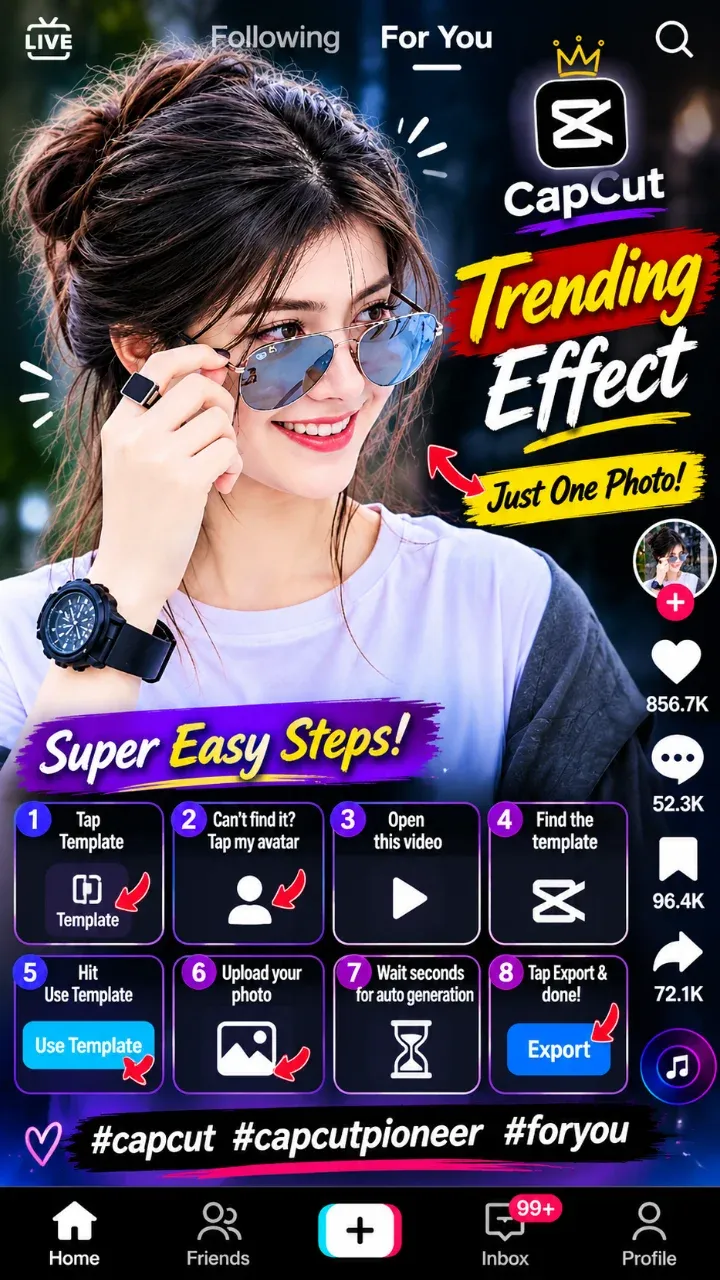
CapCut New Trending Video Template – Photo Edit
The CapCut new trending video template on this page is one of the most used photo edits on TikTok right now. It needs only 2 photos and runs for about 20 seconds. The music, the zoom effects and the beat-matched transitions are already inside. You just add your pictures and your video is ready.
Tap the ▶ button to watch the original sample on TikTok. If you like the style, tap Use in CapCut and follow the simple steps below.
Why this template is going viral
Most viral edits are short, simple and easy to copy. This one is all three. The first photo appears with a strong zoom on the beat. The second photo follows with a smooth transition. The bold text on screen keeps people watching until the end.
Because it uses only two pictures, anyone can make it in seconds. That is exactly why so many creators are posting it this week. Small accounts get views with it too, because the sound is trending and TikTok shows trending sounds to more people.
Best ideas for this edit
The template works for almost any idea. Here are some that get a lot of views:
- A before-and-after or a then-and-now photo.
- You and your best friend.
- A cute couple edit.
- Two of your favourite selfies.
- Your old photo next to a new one.
What you need
- Photos: 2 clear photos from your gallery.
- Length: about 20 seconds.
- Music: already inside the template.
- App: the free CapCut app on Android or iPhone.
How to use the CapCut new trending video template
- Tap the Use in CapCut button on this page. The template opens in the CapCut app.
- Tap Use template.
- Select your 2 photos. Put your best one first.
- Tap Preview to check the result.
- Tap Export. Share it to TikTok, Instagram Reels or your WhatsApp status.
On a computer? Tap the button and scan the QR code with your phone. CapCut templates work best in the phone app.
Tips to make your video stand out
- Use bright, sharp photos. Dark pictures lose detail after the zoom effect.
- Vertical photos (9:16) fill the whole screen without black bars.
- Keep faces in the middle so they are not cut off during the zoom.
- Post when your followers are online.
- Add 3 to 5 matching hashtags.
Caption ideas
A short caption works best. Try one of these:
- Then vs now 🔥
- Tag your bestie
- Had to try this new trend
Good hashtags: #capcut #newtrend #capcuttemplate #fyp #viral.
Frequently asked questions
Is this CapCut template free?
Yes. The template is free to use in the CapCut app.
How many photos do I need?
Only 2 photos. If you add more, CapCut uses the first two.
Is the music included?
Yes. The trending sound is already inside the template.
Why does the template not open?
Update the CapCut app and try again. If it is limited in your country, try one of the similar templates below.
More new trend templates
Looking for another CapCut new trending video? Browse our latest new trend CapCut templates and new TikTok templates. New ones are added every day.
This capcut template opens in CapCut; we do not host any video. Request removal